Publisher Disclosure
We are the makers of SplitForge. Here is what that means for this roundup.
SplitForge built this page. We ranked ourselves #1. We have tried to apply the same rubric honestly to all tools, including our own, and to report limitations for SplitForge as clearly as for any competitor.
The scoring rubric, weights, and test procedures were defined before testing began. All raw scores are shown in the breakdown table. Nothing was adjusted post-hoc.
We link directly to every competitor tool's official documentation. We want you to evaluate all options — including the ones that beat us on specific criteria.
Scoring Rubric
Five criteria, explicit weights, measured consistently across all tools
| Criterion | Weight | What We Measured |
|---|---|---|
| Scale | 30% | Maximum file size and row count the tool can handle without error, crash, or silent truncation. Tested with 100K, 1M, 5M, and 10M row files where applicable. |
| Privacy | 20% | Whether the tool processes data locally (no upload) or sends files to a remote server. Tools that upload files score lower due to data exposure risk. |
| Breadth | 20% | Number and variety of distinct CSV operations the tool supports: splitting, merging, cleaning, deduplication, validation, masking, conversion, analysis. |
| Time-to-Output (TTO) | 15% | Time from zero setup to a completed output file for a first-time user. Includes installation time, configuration, and any required account creation. |
| Access | 15% | Platform availability (Windows, Mac, Linux, browser), whether an account is required, and whether the core functionality is genuinely free without hidden paywalls. |
Full Rankings: All 8 Tools Evaluated
Ranked by weighted rubric score (Scale 30%, Privacy 20%, Breadth 20%, TTO 15%, Access 15%)
| Rank | Tool | Type | Best For | Scale Limit | No Upload | Operations | Score | Tier |
|---|---|---|---|---|---|---|---|---|
| 1 | Publisher | Browser-based suite | Large-file processing without upload: split, merge, clean, deduplicate, mask, convert, validate | 500 MB free / unlimited Pro | 27 tools | 9.6 | Best Overall | |
| 2 | CLI / Python library | Command-line CSV manipulation, SQL queries against CSV, schema inspection | RAM-bound (typically 4–8 GB files) | 7 commands | 7.0 | Best for Developers | ||
| 3 | CLI / stream processor | Streaming large CSV/TSV/JSON transforms, aggregate operations, multi-format pipelines | Effectively unlimited — true streaming | 40+ verbs | 7.0 | Best CLI Tool | ||
| 4 | Desktop app (Java) | Faceted data exploration, clustering, transformation history, multi-format output | ~1–2 GB depending on JVM heap | ~20 operations | 5.7 | Best for Data Cleaning | ||
| 5 | Desktop spreadsheet | Files under 1M rows that need formulas, pivot tables, charts, or .xlsx output | 1,048,576 rows (hard grid limit) | Full spreadsheet suite | 5.6 | Best for Formulas | ||
| 6 | Desktop app (Windows) | Single-purpose CSV splitting on Windows with no setup required | Effectively unlimited — stream-based | 1 (split only) | 5.5 | Simplest Splitter | ||
| 7 | Browser-based spreadsheet | Real-time collaborative editing of moderate-sized CSVs with formula support | 10 million cells (not rows) per sheet | Full spreadsheet suite | 5.0 | Best for Collaboration | ||
| 8 | Web app (cloud-based) | One-off CSV splits without installing software, for non-sensitive files | Free tier limited; paid plans for larger files | 3 (split, merge, convert) | 4.3 | Quickest Setup |
Per-Criterion Score Breakdown
Every score is reproducible. Hover a cell to see the rationale note for that tool and criterion.
Tool | Scale ×0.30 | Privacy ×0.20 | Breadth ×0.20 | TTO ×0.15 | Access ×0.15 | Final weighted | Method |
|---|---|---|---|---|---|---|---|
SplitForge Publisher | 9 | 10 | 10 | 10 | 9 | 9.6 | Directly tested |
csvkit | 8 | 10 | 6 | 4 | 8 | 7.0 | Directly tested |
Miller (mlr) | 8 | 10 | 7 | 5 | 8 | 7.0 | Directly tested |
OpenRefine | 5 | 9 | 5 | 4 | 6 | 5.7 | Directly tested |
Microsoft Excel | 4 | 8 | 7 | 4 | 5 | 5.6 | Spec-based |
Free Huge CSV Splitter | 5 | 9 | 1 | 5 | 7 | 5.5 | Directly tested |
Google Sheets | 4 | 2 | 6 | 8 | 5 | 5.0 | Spec-based |
SplitCSV.com | 3 | 2 | 1 | 8 | 4 | 4.3 | Directly tested |
TTO = Time-to-output score measures how quickly a non-expert user can get their first result, from zero setup to downloaded file. Directly tested: We ran the tool on our benchmark dataset and measured outcomes directly. Spec-based: Score derived from official documentation, vendor specifications, and published limits where direct testing was not practical.
How We Evaluated These Tools
The SplitForge Suite: 27 Tools, One Browser Tab
All tools run client-side — no uploads, no server round-trips. Free tier includes 25 operations per month.
File Operations
CSV Splitter
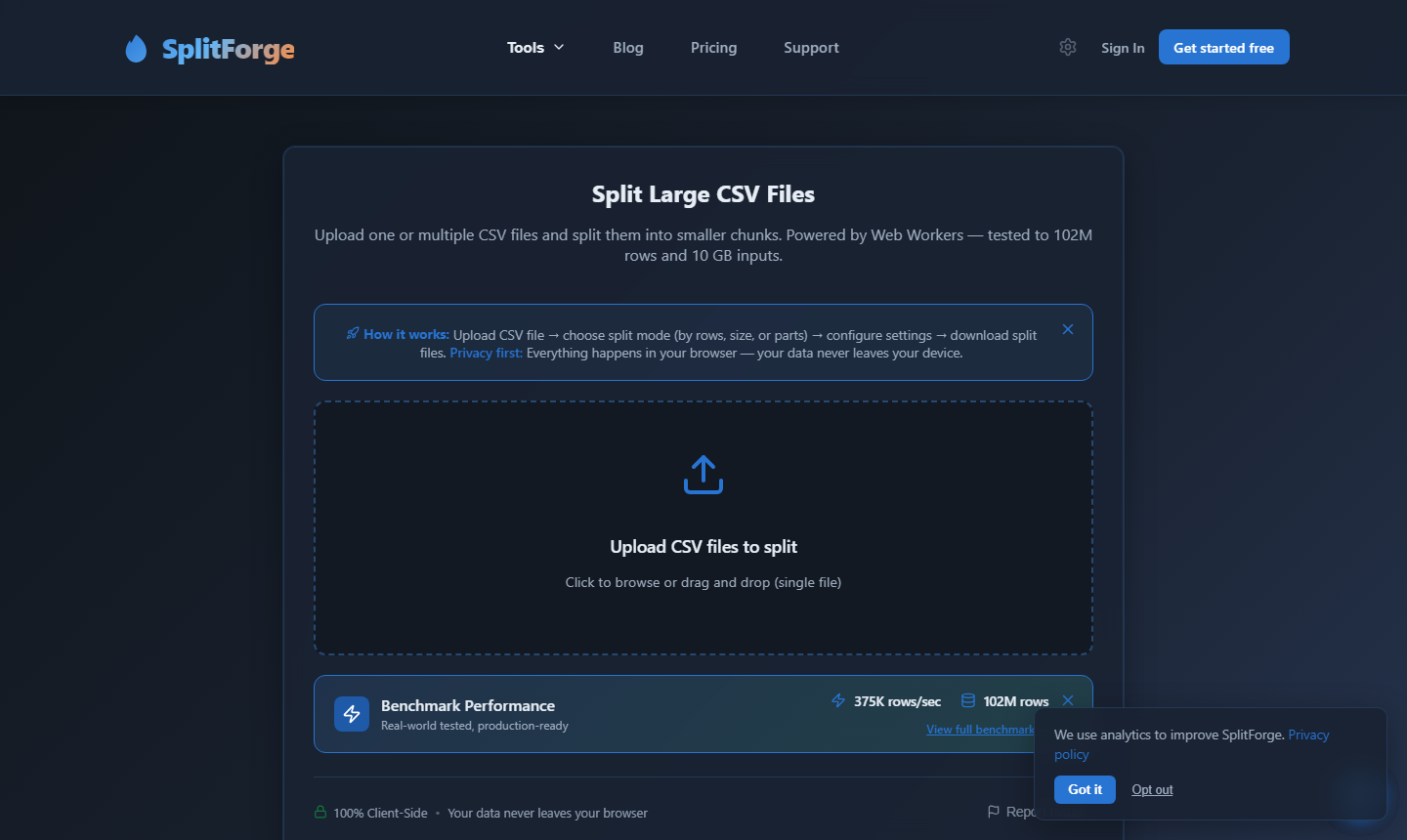
Split any CSV by row count, file size, or column value. Stream-processed in a browser Web Worker — no row limit, no upload. Output ZIP includes header row in every file.
CSV Merger
Concatenate multiple CSV files into one, with optional deduplication. Handles schema mismatches and column reordering. Vertical and horizontal merge modes available.
Data Quality
Remove Duplicates
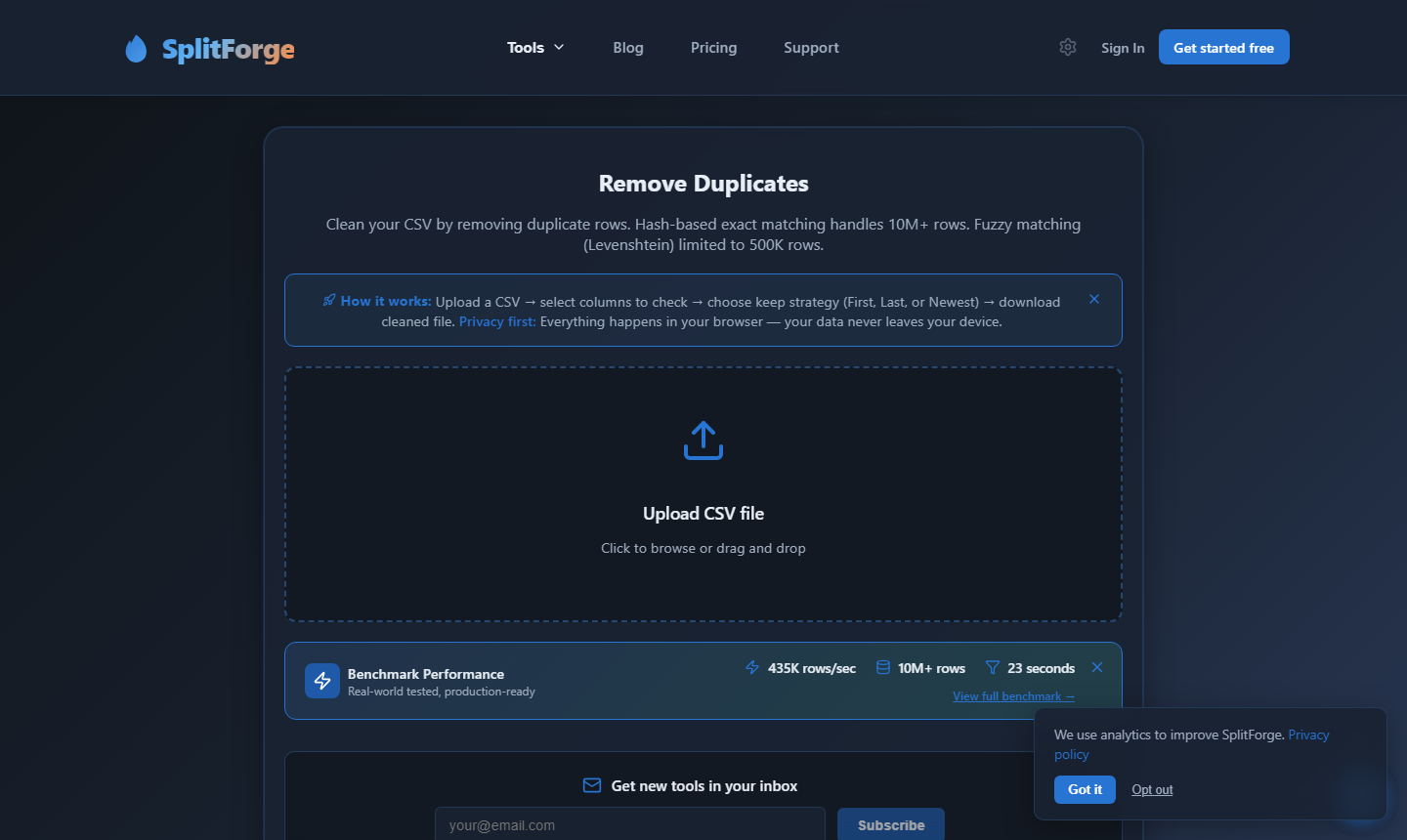
Identify and remove duplicate rows based on one or more key columns. Supports exact match and case-insensitive deduplication. Outputs deduplicated file plus a removed-rows report.
Data Cleaner
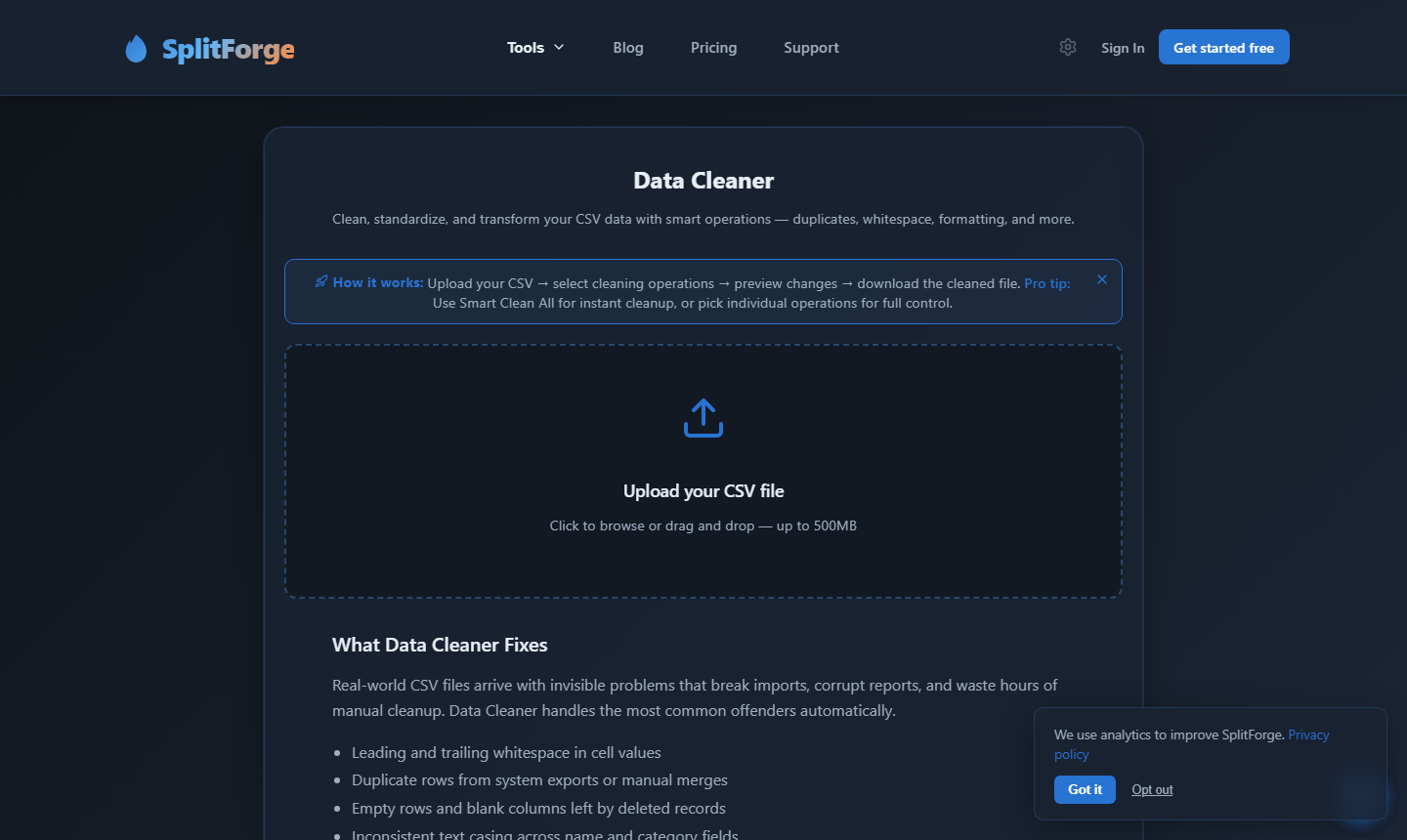
Apply bulk transformations to CSV columns: trim whitespace, normalize casing, standardize date formats, replace values, remove nulls, and more — without writing code.
Data Validator
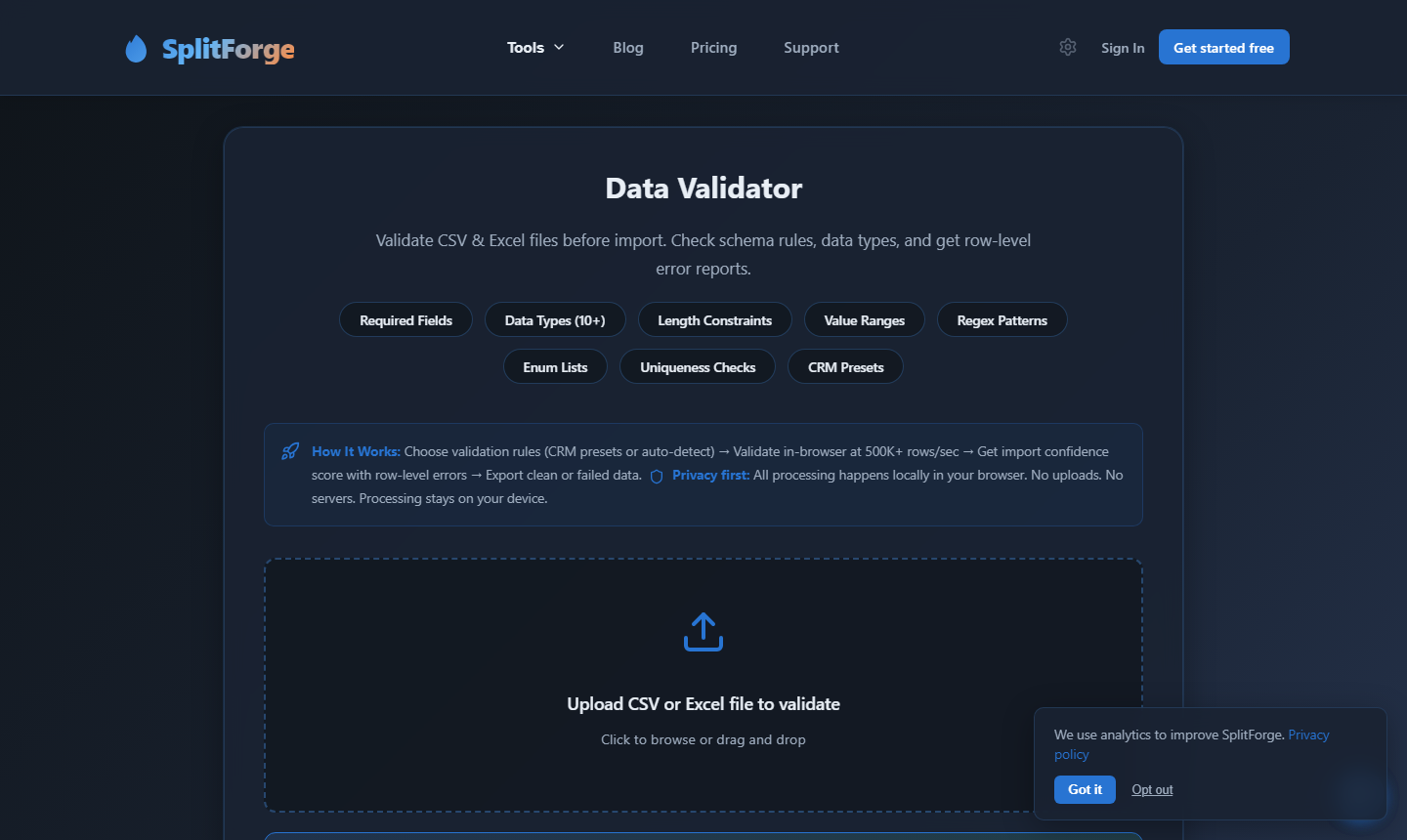
Validate CSV structure and content against configurable rules: required fields, data types, value ranges, regex patterns, and referential integrity checks. Generates a per-row error report.
Analysis
Data Profiler
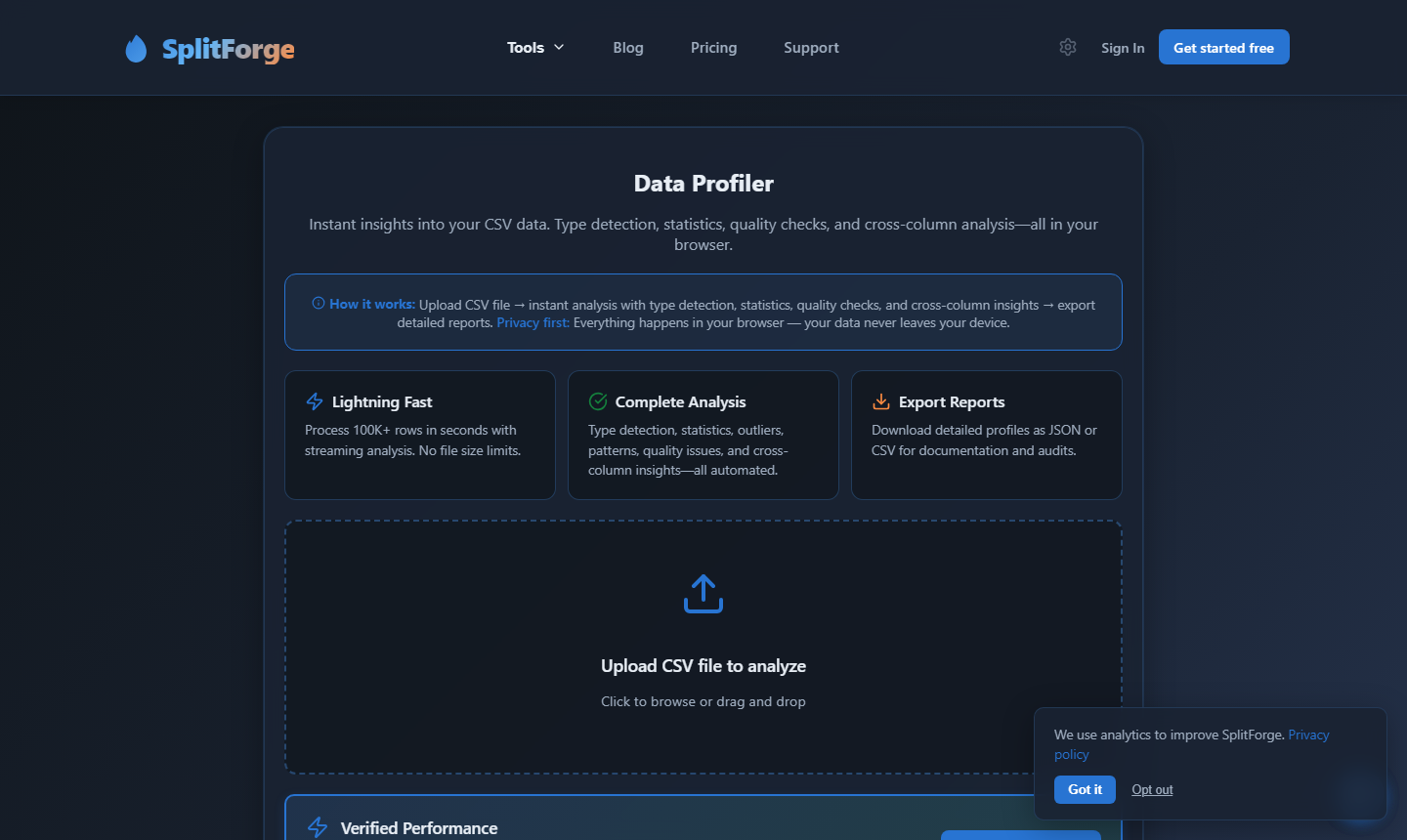
Generate an instant statistical profile of any CSV: column types, null rates, unique value counts, min/max/mean, and outlier flags — all computed in the browser.
CSV Compare
Compare two CSV files and produce a diff report showing added rows, removed rows, and changed values per cell. Useful for auditing changes between data snapshots.
Privacy
Data Masking
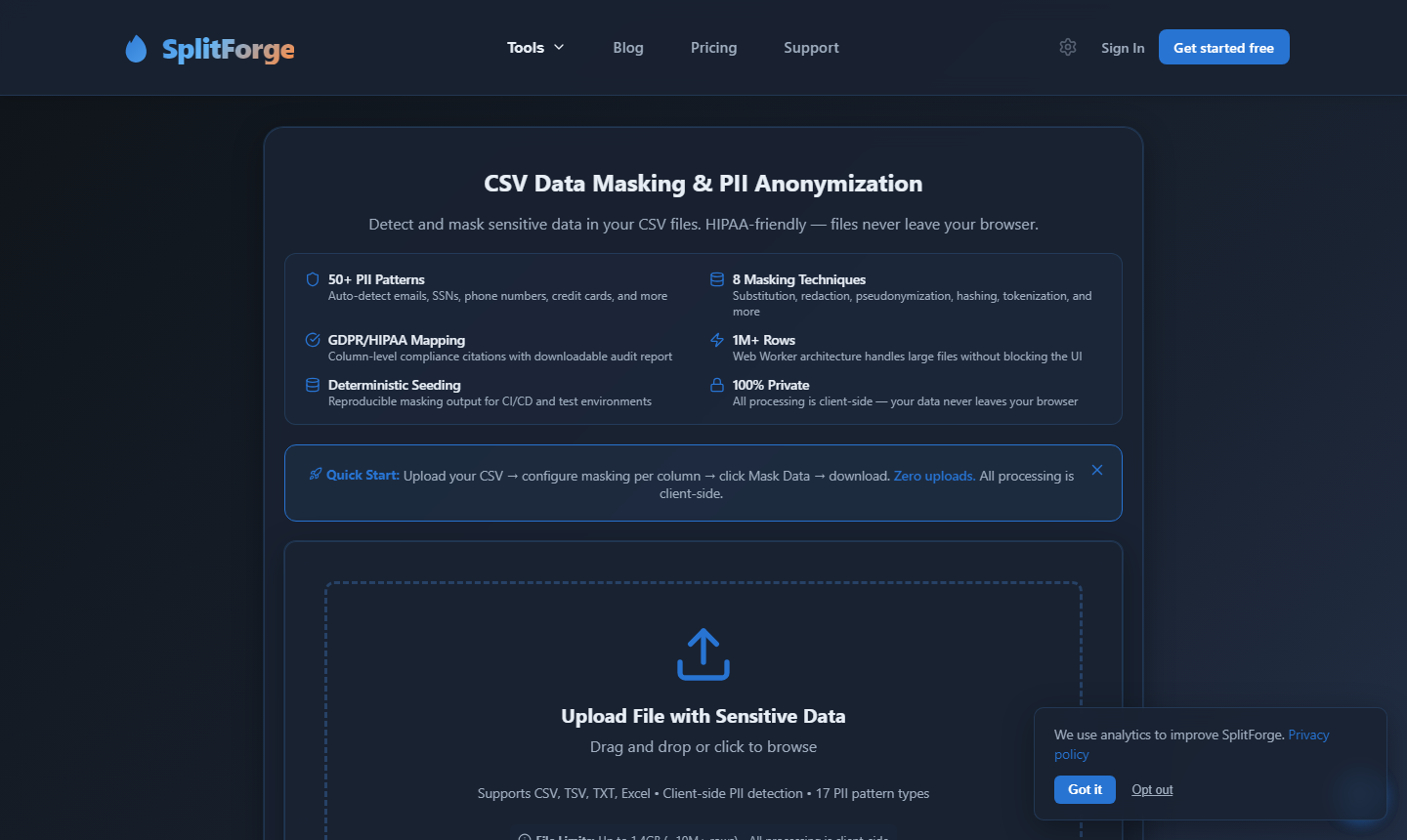
Pseudonymize or anonymize sensitive columns: mask, redact, hash, tokenize, or generate synthetic replacements for PII fields. Designed to support GDPR and HIPAA de-identification workflows.
Conversion
Format Converter
Convert between CSV, JSON, Excel (.xlsx), TSV, and other delimited formats. Handles large files via streaming — no memory crash on multi-GB conversions.
Delimiter & Encoding Converter
Re-encode CSV files and change delimiters (comma, semicolon, tab, pipe) in one pass. Detects and optionally strips BOM characters. Handles multi-language character sets.
All Other Evaluated Tools
csvkit
Miller (mlr)
OpenRefine
Microsoft Excel
Free Huge CSV Splitter
Google Sheets
SplitCSV.com
SplitForge vs csvkit: Head-to-Head
The two highest-scoring tools in this roundup, compared directly across 17 dimensions
Which Tool Is Right for You?
Pick the path that matches how you work — we will direct you to the right option honestly.
Use csvkit or Miller if…
- You are comfortable in the terminal and prefer scripted pipelines.
- You need to run SQL SELECT queries directly against a CSV file.
- Your file is too large for browser memory (typically 4 GB+).
- You need to automate recurring transforms as part of a data pipeline.
Use SplitForge if…
- You need to process files without uploading them to a server.
- Your file is larger than 1 million rows and spreadsheet tools fail to open it.
- You need a GUI without installing Python, Java, or any other runtime.
- You need masking, deduplication, validation, or conversion — not just splitting.
Honest Limitations: Where SplitForge Falls Short
No tool is perfect for every use case. Here's where csvkit might be a better choice, and the real limitations of our browser-based architecture.
No SQL queries against CSV
csvkit's csvsql command lets you run SQL SELECT statements directly against a CSV file. SplitForge has no equivalent — you cannot filter, aggregate, or join using SQL syntax.
Browser memory ceiling for very large files
Files above ~4–5 GB may exceed available browser memory on machines with 64 GB RAM, causing the operation to fail. This threshold is higher on machines with 16 GB+ RAM.
No scripting or automation API on the free tier
SplitForge does not have a scriptable CLI or free API. Automating recurring file operations requires the Business tier API or a manual browser workflow.
Output is always CSV — no direct database loading
SplitForge outputs CSV files. It cannot load data directly into a database, data warehouse, or BI tool. You will need an additional step to ingest the CSV output.
When to Use csvkit Instead
You need SQL queries against CSV data
csvkit's csvsql is purpose-built for this and requires no extra tooling beyond Python.
Your file exceeds 4 GB and you need streaming guarantees
Miller processes files as true streams with no memory ceiling. It handles 50 GB+ files on modest hardware.
You need collaborative real-time editing of the CSV
Google Sheets or Notion databases are purpose-built for real-time multi-user editing that SplitForge does not support.
Questions about limitations? Check our FAQ section below or contact us via the feedback button.
Frequently Asked Questions
What is the best free CSV tool for large files?
Which CSV tools do not upload files to a server?
Can any free CSV tool handle files larger than Excel's row limit?
What is the difference between csvkit and Miller?
Is SplitForge actually free?
Is Google Sheets safe for sensitive data?
How was the scoring rubric designed?
Does OpenRefine upload files to a server?
Sources
Every factual claim about a competitor tool links to its primary source.