Methodology: Performance figures are based on internal benchmarks (SplitForge on Intel i5-12600KF, 64GB RAM) combined with community-reported Excel VLOOKUP timings from Stack Overflow, r/excel, and Microsoft documentation. Results will vary based on hardware, RAM, data structure, and Excel version. See limitations section for cases where Excel may be preferable.
Who Is This Comparison For?
This guide is written for data workers who have outgrown Excel VLOOKUP
- Monthly reconciliation files with 500K+ transactions
- VLOOKUP freezing mid-close process
- Need audit-ready output without macros
- Regular joins between event logs and user tables
- Excel not available or too slow for 1M+ row datasets
- Want a browser tool with no Python/SQL setup
- Matching SKUs across supplier and inventory files
- Excel crashing on weekly data exports from ERP
- Need unmatched row report to catch data gaps
How SplitForge VLOOKUP/Join Works
A hash-map join — the same algorithm used in databases — runs entirely in your browser
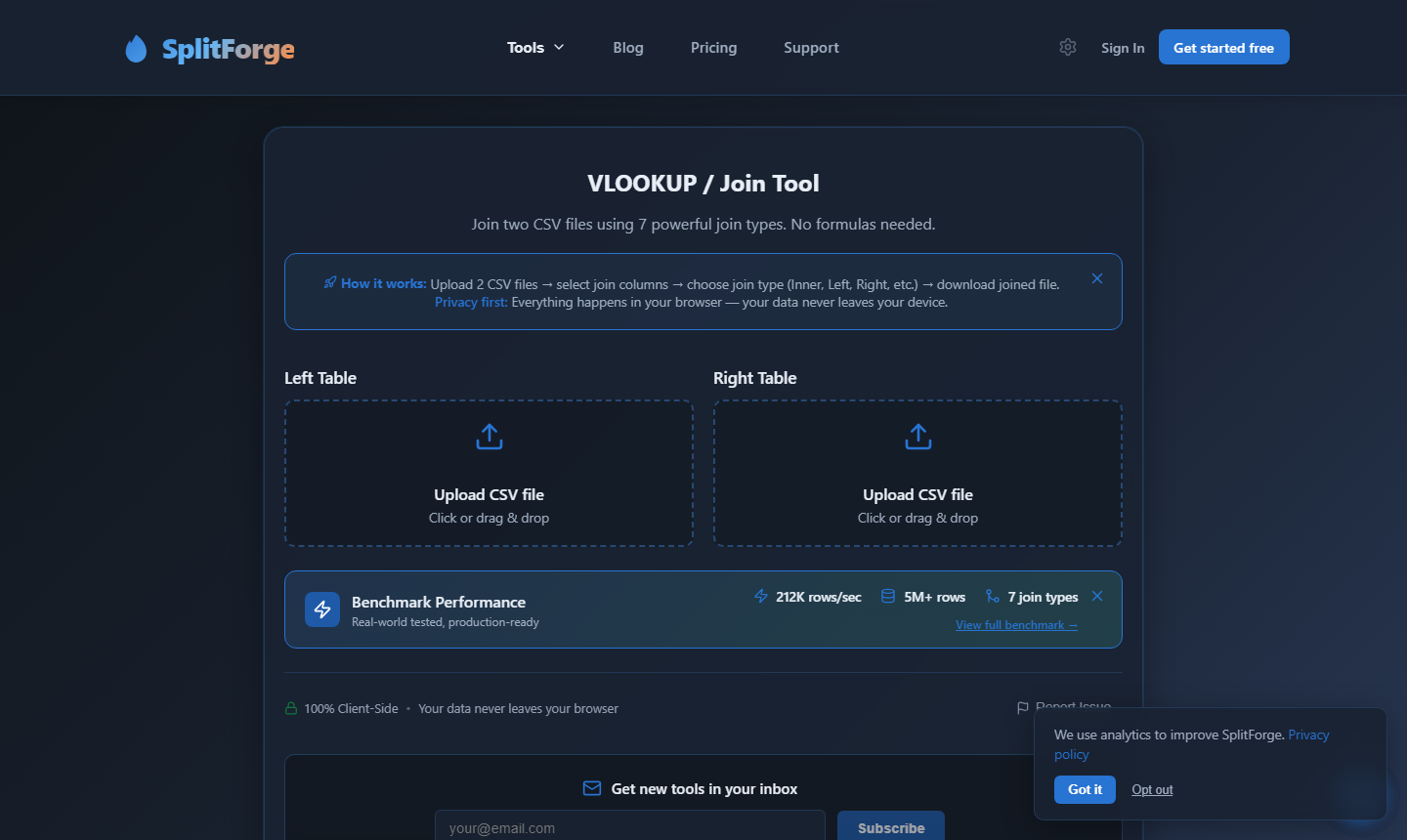
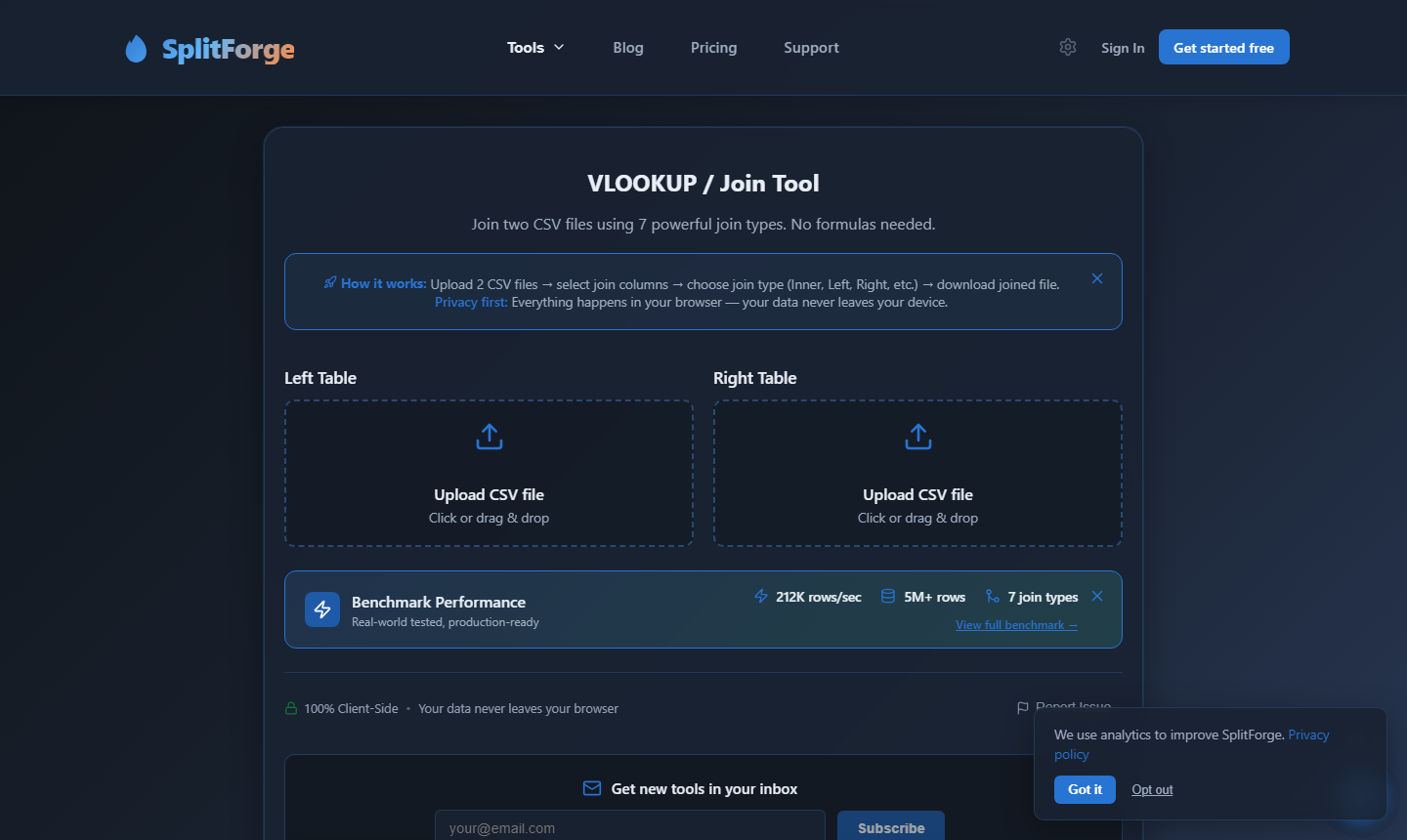
Select your primary file (the one you want to enrich) and your lookup file (the reference table). Files stay in your browser — nothing is uploaded.
SplitForge reads the lookup file once and builds an O(1) index in memory. This is why joins scale linearly — 10x more rows means ~10x more time, not 100x.
// Build lookup index from file B
for each row in lookupFile:
  index[row[matchKey]] = row

// Join: O(1) lookup per row
for each row in primaryFile:
  if index[row[matchKey]]:
    output matched row
  else:
output unmatched rowEvery join produces two outputs: matched rows (with columns merged) and an unmatched report so you can see exactly what didn't join.
Multi-column matching: SplitForge supports up to 5 match keys simultaneously — useful when joining on composite keys like order_id + region or customer_id + date.
Demo: Excel VLOOKUP freezing on 1M rows vs SplitForge completing in 4 seconds
When to Use Excel vs SplitForge
An honest breakdown — we'll tell you when Excel is the better choice
Stick with Excel VLOOKUP if…
- Your dataset is under 50K rows and Excel is already open
- You need the result embedded in an existing workbook formula
- You rely on VLOOKUP's approximate match mode for range lookups
- Your team shares and reviews results inside Excel with comments
- You need the lookup result to auto-refresh as source data changes
Switch to SplitForge if…
- Your dataset exceeds 100K rows and Excel is getting slow
- Excel crashes or freezes before the VLOOKUP completes
- You need left join, inner join, or full outer join — not just exact match
- You need an unmatched row report to audit data gaps
- You're working with sensitive data that must not leave your machine
- You don't have Python/SQL but need database-style joins
How Much Time & Money Are You Losing to Excel VLOOKUP?
Adjust the sliders to model your specific workload
Performance Benchmarks
Tested on Intel i5-12600KF, 64GB RAM. Excel benchmarks sourced from community reports.
| Dataset Size | SplitForge | Excel VLOOKUP | Verdict |
|---|---|---|---|
| 10K rows | < 1 second | ~3 seconds | Excel fine for small files |
| 100K rows | ~0.8 seconds | ~3 minutes | SplitForge 225× faster |
| 500K rows | ~2 seconds | ~20 minutes | SplitForge 600× faster |
| 1M rows | ~4 seconds | Frequently crashes | Excel unreliable above 1M |
| 5M rows | ~18 seconds | Not supported | Excel row limit exceeded |
| 10M rows | ~28.5 seconds | Not supported | SplitForge only option |
Excel timings are community-sourced estimates. Actual results depend on hardware, RAM, and number of VLOOKUP columns. SplitForge timings measured on Intel i5-12600KF, 64GB RAM.
Processing time comparison (log scale) — lower is better
Log scale used because Excel times are orders of magnitude higher
Excel values above 500K are community-sourced estimates. N/A = not supported or consistently crashes.
Full Feature Comparison
SplitForge VLOOKUP/Join vs Excel VLOOKUP — 12 key dimensions
| Feature | SplitForge VLOOKUP/Join | Excel VLOOKUP |
|---|---|---|
| Max dataset size | 10M+ rows tested (no hard limit) | ~1M rows before instability; 1,048,576 row limit |
| Performance at 500K rows | ~2 seconds | ~20 minutes (community estimate) |
| Performance at 1M rows | ~4 seconds | Crashes or times out on most machines |
| Join types supported | Left join, inner join, full outer join | Exact-match lookup only |
| Multi-column match keys | Up to 5 keys | One column (or helper column workaround) |
| Formula / live recalculation | Not supported — exports static CSV | Yes — VLOOKUP recalculates automatically |
| Approximate match (range lookup) | Exact match only | Yes — supports range lookup mode |
| Unmatched row report | Yes — included in every join | Manual IFERROR workaround required |
| Output format | CSV download | Inline spreadsheet values |
| Privacy / data security | Files never leave your browser | File may sync to OneDrive/cloud |
| Installation required | None — browser-based | Microsoft 365 license required (~$10/month) |
| Algorithm complexity | O(n) hash-map — linear scaling | O(n²) in worst case — degrades exponentially |
Green rows = SplitForge advantage. Red rows = Excel advantage. Gray = comparable.
Join Types Explained
Understanding which join type you need before you start
Returns all rows from your primary file, with matching columns from the lookup file appended. Rows with no match get blank values — identical to how Excel VLOOKUP behaves.
Example use case: Append pricing data from a product catalog to a sales transactions file
Returns only rows that have a match in both files. Useful when you want to filter down to records that exist in both datasets simultaneously.
Example use case: Find customers who appear in both your CRM and your invoicing system
Returns every row from both files. Rows without a match in the other file get blank values for the missing columns. The most complete view of your data.
Example use case: Reconcile two inventory systems to find items missing from either side
SplitForge currently supports exact-match joins only. If you need fuzzy string matching (e.g., matching 'John Smith' to 'J. Smith'), Excel's approximate match or dedicated fuzzy-match tools are better choices.
Example use case: Matching customer names with slight variations in spelling across systems
Honest Limitations of SplitForge VLOOKUP/Join
We believe in full transparency — here's where SplitForge falls short
Ready to Join Without the Crashes?
Drop in two CSV files, pick your join type, and download results in seconds. No Excel, no Python, no setup.
No files ready? Download a 1M-row test dataset to try it immediately.
Your Data Never Leaves Your Browser
Built for teams with sensitive data and strict compliance requirements
Every join runs inside a Web Worker in your browser tab. Your CSV files are read into memory locally, processed, and written to a download — no bytes are transmitted to any server. SplitForge has no backend data pipeline.
This matters for finance teams working with PII, healthcare data covered by HIPAA, or any organization where sending files to external services violates policy. SplitForge was designed from day one to process data where it lives: on your machine.
Audit note: You can verify this claim using your browser's Network tab in DevTools. After uploading a file, you'll see zero outbound requests carrying file data.
Frequently Asked Questions
Can SplitForge replace Excel VLOOKUP for all use cases?
What is the actual row limit in SplitForge?
Why does Excel VLOOKUP crash on large files?
Does SplitForge support multiple match columns?
What happens to rows that don't match?
Is SplitForge free?
Can I use SplitForge on Excel files (.xlsx), not just CSV?

John built SplitForge after repeatedly watching Excel crash on 500K-row VLOOKUP jobs at a previous fintech role. He focuses on browser-based performance and privacy-first data tooling.
Sources & References
Community data and Microsoft documentation used in this comparison
Related Guides
Explore More Tool Comparisons
See how SplitForge compares to Excel across CSV splitting, merging, deduplication, and more.
Stop Fighting Excel VLOOKUP on Large Datasets
SplitForge VLOOKUP/Join handles 10M+ row joins in under 30 seconds — in your browser, with no file upload, no account, and a built-in unmatched row report.